Make Decisions Effortlessly
Choose the right free randomizer for names, numbers, teams, or quick yes/no decisions.
Pick the Tool for the Job
Start with the picker that matches what you need to decide.
Name Picker
Pick a student, presenter, volunteer, or giveaway entrant from a pasted list.
Launch Tool →Number Picker
Draw from a number range for raffles, classroom prompts, dice-style rolls, and quick samples.
Launch Tool →Yes/No Picker
Break a tie, choose whether to proceed, or make a simple two-option call.
Launch Tool →Team Picker
Split names into groups for workshops, classes, meetings, and activities.
Launch Tool →Popular Guides
Start with the use-case pages designed to answer concrete search intent and route you to the right tool.
How Teachers Can Randomly Call on Students Fairly
A practical classroom guide for fair student selection, better participation, and less bias when calling on students.
Read the guide →GuideHow to Run a Transparent Giveaway Wheel
Use a visible wheel, clean entrant list, and repeatable process to run giveaway drawings that audiences trust.
Read the guide →GuideHow to Split Teams Fairly for Classrooms and Workshops
A step-by-step guide to forming evenly sized random groups for class projects, workshops, training sessions, and games.
Read the guide →Latest on the Blog
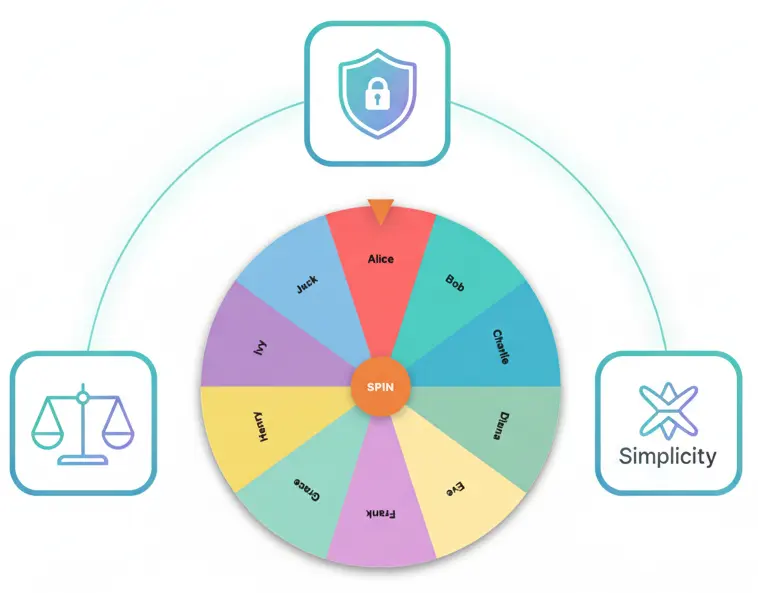
Why PickerKit Matters: Privacy, Fairness, and Simplicity
Understanding the principles that make PickerKit special: privacy-first architecture, universal accessibility, and ethical business models.
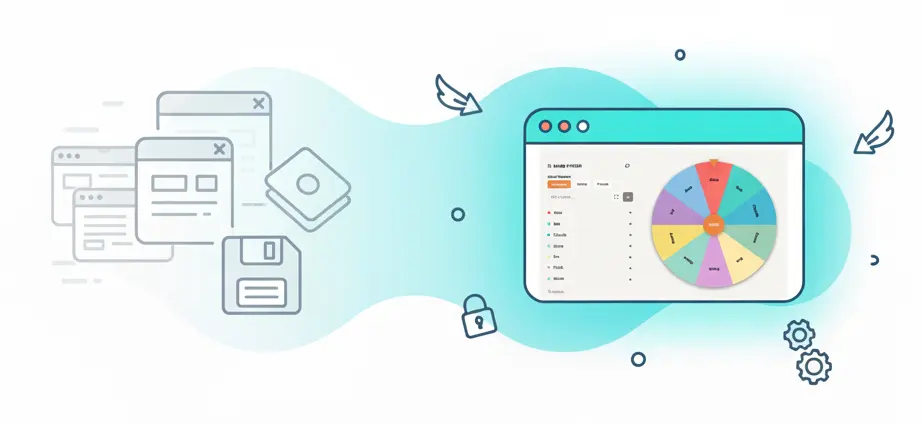
The Future of Smart Web Tools
Explore the evolution of web-based utilities, the importance of accessible tools, and where decision-making technology is headed.
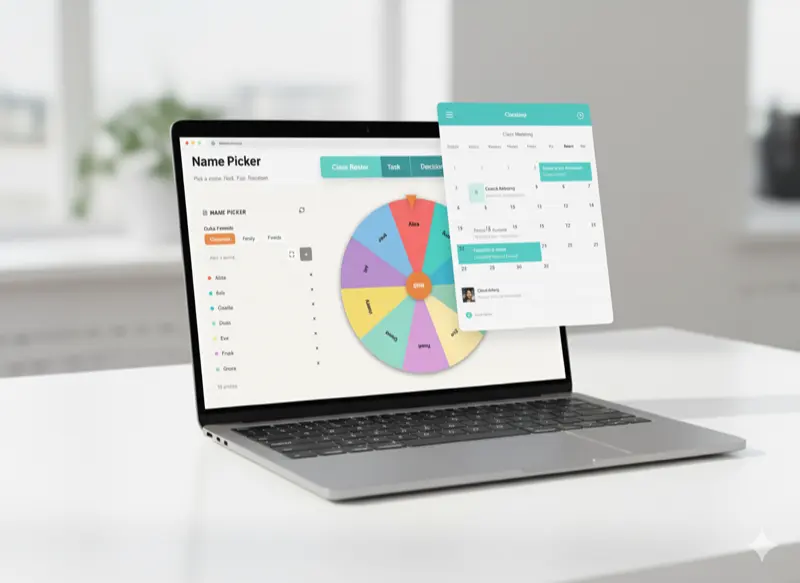
5 Tips for Integrating PickerKit with Your Workflow
Discover productivity-boosting strategies for incorporating random selection tools into your regular workflows and daily routines.
Why People Use PickerKit
Truly Random & Fair
PickerKit uses Web Crypto when available and gives equal-sized wheel slices equal probability.
No Sign-Up Required
Start using any tool immediately without accounts, emails, or forms.
Works on All Devices
Responsive design works perfectly on phones, tablets, and desktops.
Privacy-Focused
Your selections and lists stay in your browser unless you explicitly create and share a link.
Visual & Engaging
Beautiful animations and smooth wheel spins make decisions fun, not stressful.
Share & Collaborate
Generate shareable links for colleagues, students, or team members.
Common Starting Points
Call on a Student
Use Name Picker when you have a list of students, presenters, volunteers, or participants.
Name Picker →Draw a Number
Use Number Picker for raffles, numbered lists, dice-style choices, and random ranges.
Number Picker →Split a Group
Use Team Picker to turn a list of names into teams for classes, meetings, or workshops.
Team Picker →Make a Quick Call
Use Yes/No Picker when the decision is binary and you just need a clean answer.
Yes/No Picker →Frequently Asked Questions
Are the results truly random?
PickerKit uses the browser's Web Crypto API when available, with a standard browser random fallback. Equal-sized wheel slices receive equal selection probability.
Do I need to create an account?
No. All tools are immediately available without any registration. We believe in removing barriers to access, so you can start making decisions right away.
Can I save my configurations?
Yes. Each tool generates shareable links that encode your settings and lists. Save these links, bookmark them, or share them with others to reuse configurations instantly.
Is PickerKit really free?
Yes, completely free. All core tools are available at no cost. In the future, PickerKit may be supported by advertising, sponsorships, or partner recommendations that do not interfere with functionality.
Can I use PickerKit for commercial purposes?
Absolutely. Businesses, organizations, and individuals can use PickerKit freely for any legal purpose, including commercial applications, without restrictions.