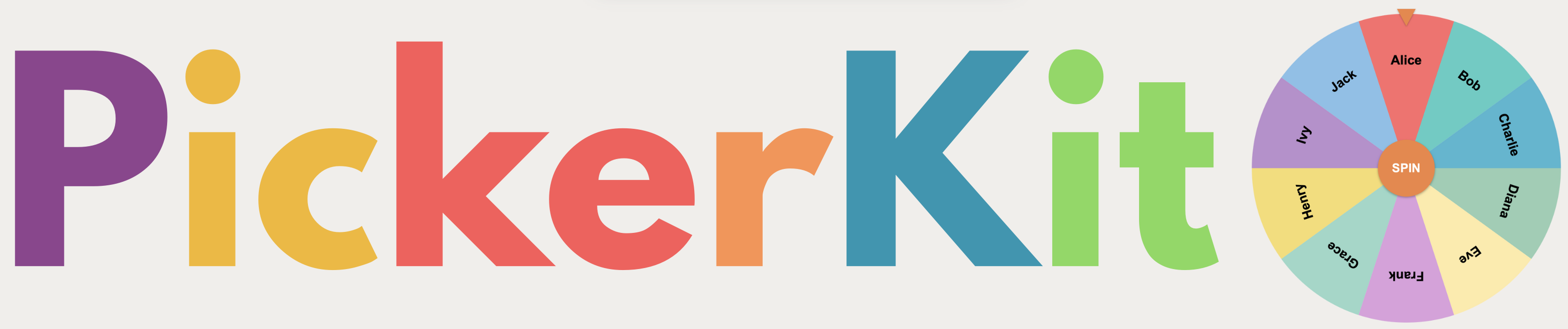
A transparent giveaway wheel works when entrants are visible, the winner selection is shown live or recorded, and duplicates are handled consistently. The goal is not just random selection; it is public trust in how the winner was chosen.
Why giveaway credibility matters
For creators, giveaways are not only administrative tasks. They are trust events. A muddy process creates suspicion fast: duplicate entries, unclear eligibility, hidden picks, or unexplained re-rolls. A transparent wheel solves that by making the draw visible and repeatable.
The audience does not need a technical lecture. They need to see three things: the entry list, the random selection, and the rule for what happens next.
A clean workflow for transparent giveaway draws
- Finalize entrants before the draw starts.
- Remove invalid, duplicate, or late entries before loading the list.
- Explain whether winners can win more than once.
- Screen-share or record the draw from start to finish.
- Keep one reroll rule for all disqualifications.
Using Name Picker for giveaways
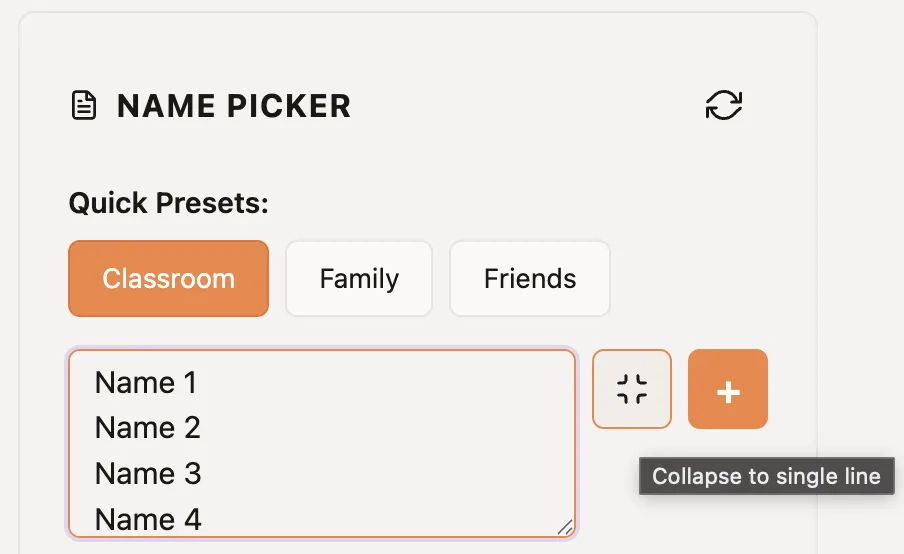
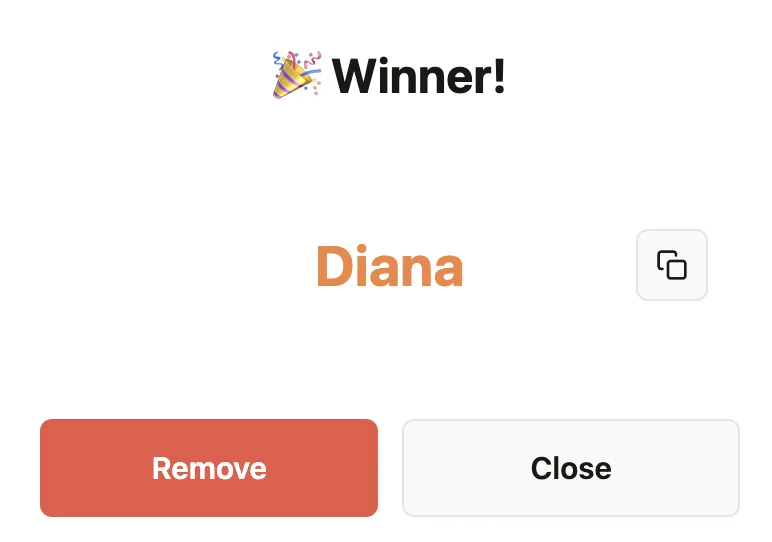
The Name Picker is the right default when your entrants are usernames, subscriber names, or attendee names. Load the list, spin once, and remove the selected winner before the next prize when repeats are not allowed.
If your giveaway is based on ticket numbers or purchase numbers, switch to the Number Picker instead. That keeps the public draw simple while still matching your internal validation workflow.
If you want the underlying fairness explained to your audience or clients, send them to how PickerKit randomness works instead of trying to explain it ad hoc during the draw.
| Scenario | Best tool | Reason |
|---|---|---|
| Instagram or YouTube giveaway | Name Picker | Usernames are easy to show live |
| Raffle tickets or numbered entries | Number Picker | Numbers match the source of truth |
| Multiple prizes, one win per person | Name Picker | Removal flow prevents repeat winners |
The simplest giveaway checklist
- Declare the closing time in advance.
- Keep one source-of-truth entrant list.
- Run the draw without editing the list midstream.
- Announce what makes an entry invalid before spinning.
- Use one reroll policy and apply it consistently.
What to say on camera or in a post
Keep the explanation short: “Here is the final entrant list. We are picking one winner at random. If a selected entry is invalid under the posted rules, we reroll once and keep recording.” That is usually enough.
You do not need more complexity unless the prize is unusually high-stakes. Simplicity is a feature here.
Keep a simple draw record
Before the draw, save the closing time, the source of the final entrant list, and the rule for ineligible winners. After the draw, note the selected entry, whether it was eligible, and whether a reroll happened. This small record makes it easy to answer a later question without recreating the process from memory. If entrants use private names or order details, show only the identifier your rules say is public.
When a wheel is not enough
For regulated, high-value, or purchase-required promotions, check the rules that apply to your location and platform before drawing. A wheel can make selection transparent, but it does not replace eligibility rules, recordkeeping, or the terms you publish for entrants.
For a broader tool comparison, see best random decision tools for teachers, creators, and teams and the PickerKit comparison guide.
Ready to make the selection?
Open the relevant picker, add the final list or range, and use the process described above.
Frequently Asked Questions
How do I make a giveaway look fair?
Show the full entrant list, explain the rules, and perform the draw in a visible random process that viewers can follow.
Should I remove a winner before picking another prize?
Yes if each person can only win once. Use a no-repeat process for multi-prize giveaways unless your rules explicitly allow multiple wins.
Should I use names or ticket numbers?
Use names when the audience needs recognizability. Use numbers when privacy matters or when you already assigned numbered entries.
Can I run the draw live?
Yes. Screen-sharing a visible wheel is one of the easiest ways to make the process credible to your audience.