The best way to randomly call on students fairly is to use a visible class roster picker that every student can see, reuse, and trust. That removes teacher bias, keeps participation predictable for nobody, and makes the process feel consistent from lesson to lesson.
Why teachers need a better method
Hand-raising favors the fastest and most confident students. Calling down the roster becomes predictable. “I’ll just pick someone” feels fast, but students notice patterns quickly. Even when there is no real bias, a class can still interpret repeated choices as favoritism.
A random picker fixes that because the rule is simple: everyone on the list has an equal chance. You are not deciding who speaks next. The process is.
What “fair” actually looks like in class
- Every student is on the list.
- The selection happens in front of the room.
- Students know whether repeat picks are allowed.
- The teacher uses the same rule every day instead of switching methods on the fly.
That last point matters. Students respond well to consistent systems. A random picker is not only fair mathematically; it also feels procedurally fair because the rule does not change based on mood, time pressure, or who happens to be making eye contact.
How to set up a classroom name picker in two minutes
- Open the Name Picker.
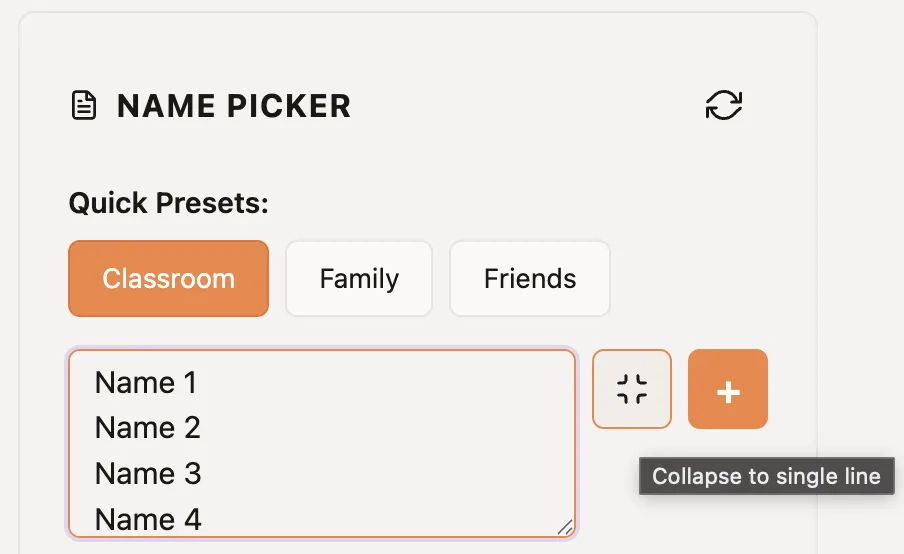
- Paste one student per line from your roster or spreadsheet.
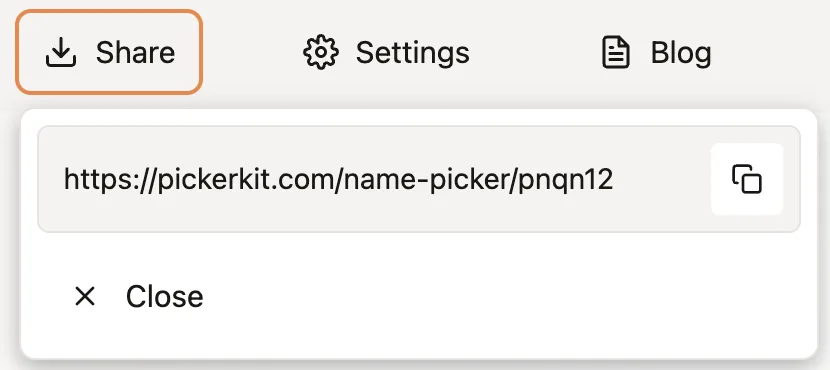
- Keep one wheel per class period and bookmark each URL.
- Decide whether to remove names after each pick during a lesson.
- Project the wheel when fairness needs to be visible to the whole room.
Best practices for daily classroom use
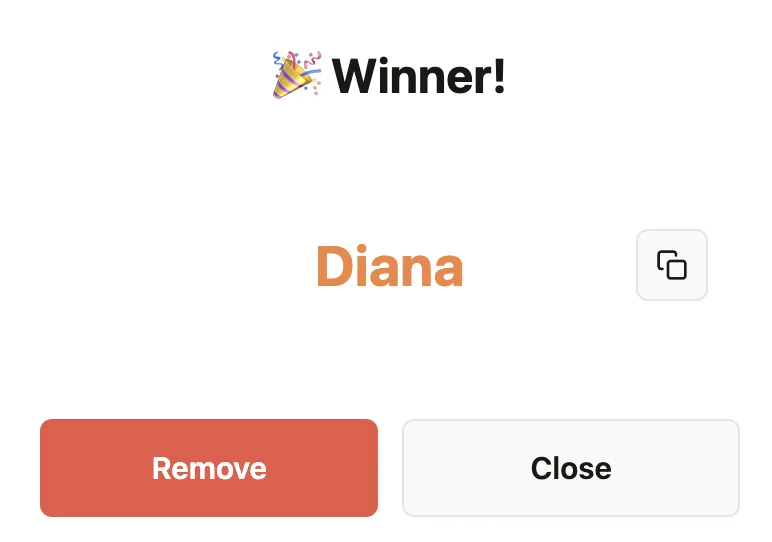
Keep winners on the wheel for routine checks, warm-ups, and quick oral responses where repeats are acceptable. For one-time roles, click Remove in the result popup after each selection.
If you teach younger students, narrate the process once: “Everyone is on the wheel, nobody gets skipped, and the wheel decides.” That single explanation usually removes most pushback.
If you also need to create project groups, pair this workflow with the team-splitting guide so your classroom selection system covers both individual picks and group formation.
When to use Name Picker vs Team Picker
| Need | Best tool | Why |
|---|---|---|
| Pick one student to answer | Name Picker | Simple one-person random selection |
| Build project groups | Team Picker | Balanced team sizes in one action |
| Choose presentation order | Name Picker | Remove each result to avoid repeats |
How to introduce random calling to students
Show the full roster before the first spin and explain whether names will stay on the wheel or be removed after selection. Give students a few seconds of think time before asking for an answer. If a student is absent, remove that name before class rather than skipping a result after the wheel stops.
For graded or sensitive questions, allow a pass or use the wheel only to choose an order after everyone has prepared. Random selection should distribute participation, not create surprise penalties.
Related reading: which picker to use and the broader tool guide for teachers and teams.
Ready to make the selection?
Open the relevant picker, add the final list or range, and use the process described above.
Frequently Asked Questions
What is the fairest way to call on students in class?
A visible random name picker is usually the fairest option because every student can see the full roster and the selection process.
Will random calling hurt shy students?
It works best when expectations are clear: use random selection consistently, allow think time, and keep the stakes low on routine questions.
Can I reuse the same class list every day?
Yes. PickerKit lets you save and share the configured wheel URL, so one roster can be reused across lessons.
How do I avoid picking the same student twice?
Use the remove-after-pick flow when you want one-time selections during a single lesson, discussion round, or raffle.