To split teams fairly, start with one participant list, choose the number of groups, and use a random team generator that balances sizes automatically. That removes the awkwardness of manual captain picks and produces a result people can accept quickly.
Why manual team splitting usually feels bad
Counting off around the room is slow. Letting captains pick people feels public and uncomfortable. Pre-assigned groups can be necessary, but when the goal is simply to form evenly sized random teams fast, manual methods add friction without adding value.
A good team splitter should do two things: randomize fairly and keep team sizes balanced. If it only does one of those, you still end up fixing the result by hand.
When random team splitting is the right choice
- Classroom projects where fairness matters more than existing friendships.
- Workshop breakouts where you want fresh conversation and mixing.
- Training sessions where speed matters and groups only need to be even.
- Sports and games where manual captain picks create drag.
If you have constraints like “keep two people apart” or “put one senior person in each team,” randomness alone is not enough. In that case, use the generated result as a first draft and make targeted edits.
How to split teams in PickerKit
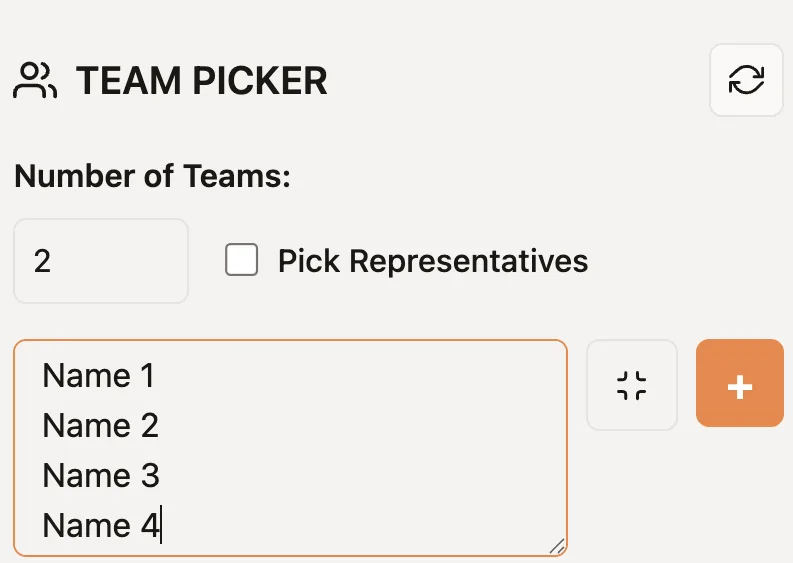
- Open the Team Picker.
- Paste participant names one per line.
- Set the number of teams you want.
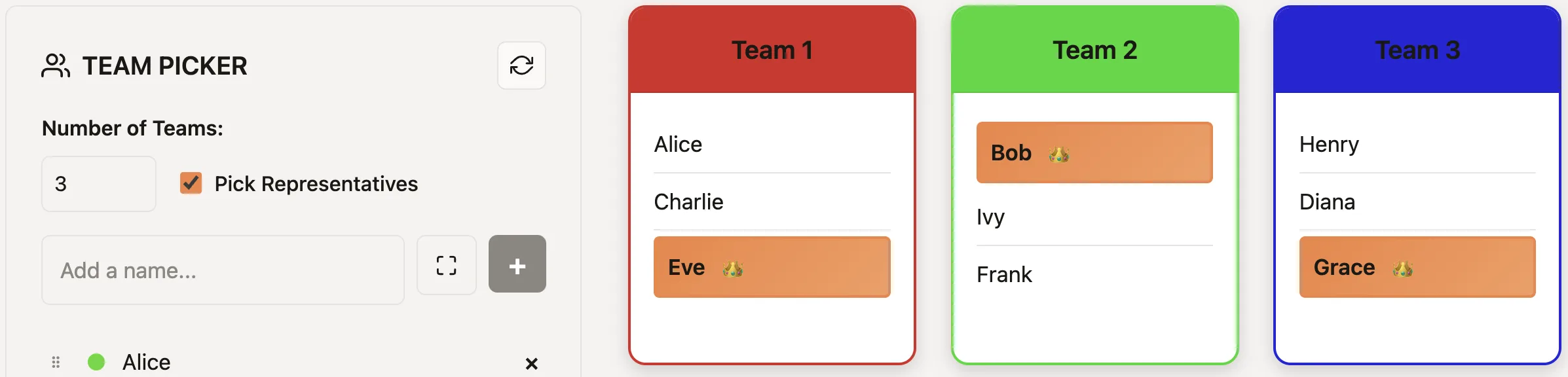
- Enable representatives if you need a captain or spokesperson from each group.
- Generate the teams and share the result if others need the same grouping.
| Need | Recommended approach |
|---|---|
| Even workshop breakouts | Use Team Picker with the final attendee list |
| One captain per group | Enable representatives after the teams are formed |
| Pick presenters one by one | Use Name Picker instead |
Classrooms vs workshops vs games
In classrooms, fairness and perceived neutrality matter. In workshops, the goal is usually speed and mixing. In games, the priority is getting to the activity without debate. The same random team tool works across all three, but the reason people accept it changes by context.
Before generating teams, remove absent participants and decide whether any accessibility, language, or facilitation needs require manual adjustments. If you make an adjustment, explain it openly rather than presenting the final groups as purely random.
For classroom callouts before group work, combine this page with the teacher-focused name picker guide. For a wider comparison of when to use teams versus single-item randomization, see the PickerKit comparison guide.
Set the group count before participants arrive
Choose the number of teams from the activity, not from the number of people alone. A 24-person workshop might need six teams of four for table discussion, while the same group might need four teams of six for a longer project. Once the count is fixed, the generated groups differ by at most one participant. If the activity needs exact role coverage in every group, assign those roles after the random split rather than repeatedly rerunning until the result happens to fit.
Read the generated groups aloud or show them on a shared screen before people move. That gives everyone the same source of truth and avoids copying mistakes when rooms, tables, or breakout links are assigned.
Ready to make the selection?
Open the relevant picker, add the final list or range, and use the process described above.
Frequently Asked Questions
How do I split teams evenly when the group size is odd?
Use a generator that balances team sizes automatically so groups differ by at most one person.
Should I randomize teams for workshops?
Yes when the goal is fairness, fresh pairings, or avoiding social clustering. Manual grouping is better only when skill or role constraints matter more than randomness.
Can I pick team captains too?
Yes. PickerKit can also select one representative per team after the groups are formed.
What tool should I use for group formation?
Use Team Picker for evenly sized random groups and Name Picker only when you are selecting one person at a time.