
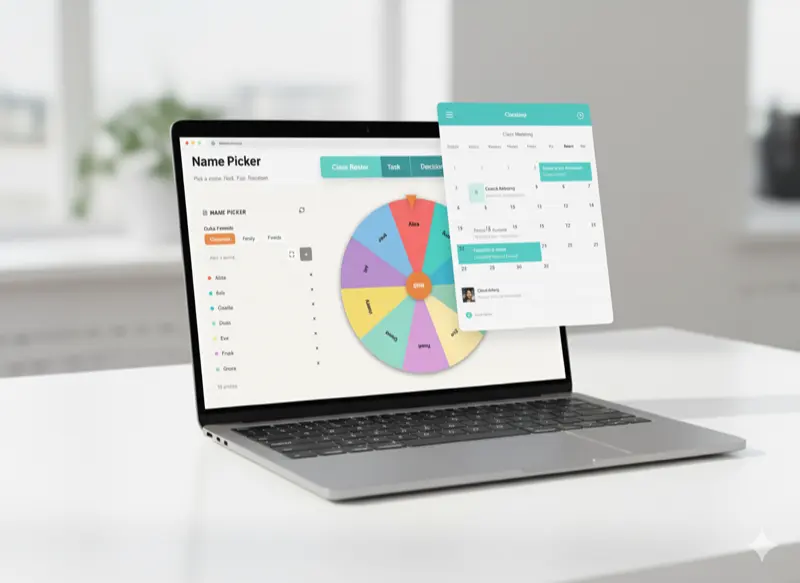
Productivity comes not from having the most tools, but from using the right tools effectively. PickerKit's simplicity makes it easy to adopt, but like any tool, intentional integration into your workflow amplifies its value. Whether you're an educator, team leader, content creator, or researcher, these five strategies will help you get more value from PickerKit with less friction. For more insights on how PickerKit simplifies data selection challenges, see our comprehensive guide.
Create Bookmark Folders for Common Configurations
One of PickerKit's most powerful features is the shareable link system. Every configuration—your lists, settings, and customizations—can be encoded into a URL. This means you can create permanent, instantly accessible versions of your most-used pickers.
How to Implement This
Create a browser bookmark folder called "PickerKit Configs" or similar. For each recurring random selection you make, configure the picker once (add all names/numbers, set preferences, customize appearance), generate the share link, and bookmark it with a descriptive name.
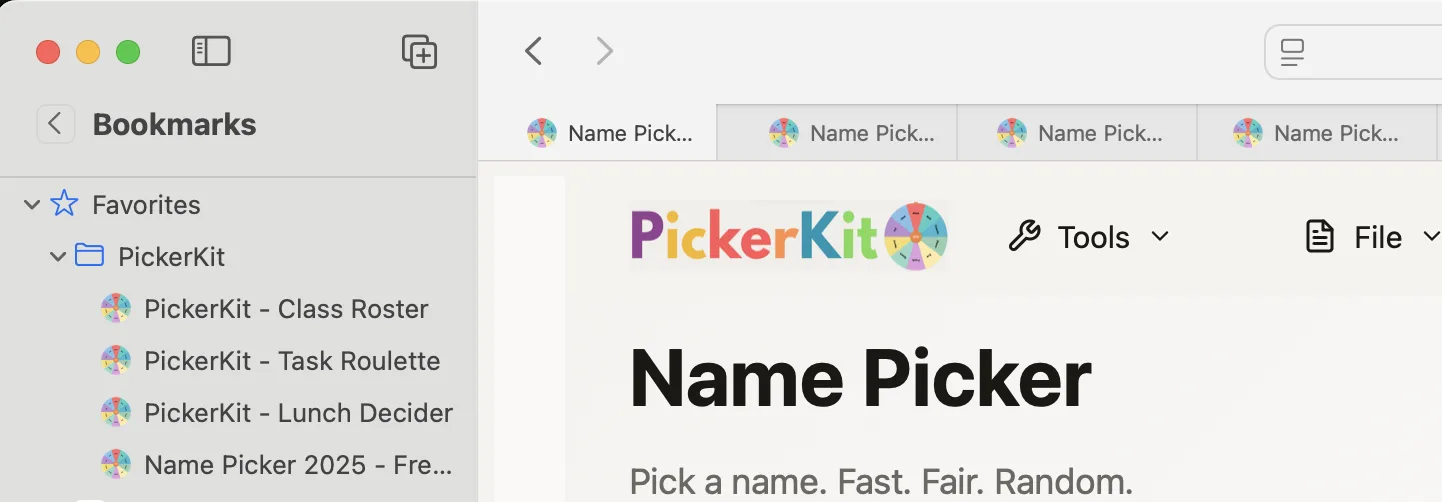
For example, a teacher might have bookmarks like:
- "Period 1 Class Roster"
- "Period 3 Class Roster"
- "All Students Random Groups"
- "Classroom Job Wheel"
A team leader might maintain:
- "Dev Team Task Roulette"
- "Meeting Facilitator Selector"
- "Lunch Order Decider"
Now, instead of reconfiguring the picker each time you need it, simply click the appropriate bookmark. What used to be a 2-3 minute setup becomes a single click, making you far more likely to actually use random selection when it would be beneficial.
Combine PickerKit with Calendar Automation
Many recurring decisions align with calendar events: weekly classroom activities, monthly team meetings, rotating assignments. Integrating PickerKit configurations into calendar events ensures you never forget to make necessary random selections and reduces preparation time.
Implementation Strategies
Add Links to Calendar Events: When creating recurring calendar events that involve random selection, add your PickerKit configuration link directly in the event description.
Pre-Event Preparation Reminders: Create calendar events 15-30 minutes before activities requiring random selection. Title them "Prepare Random Groups" or similar, with the PickerKit link in the description.
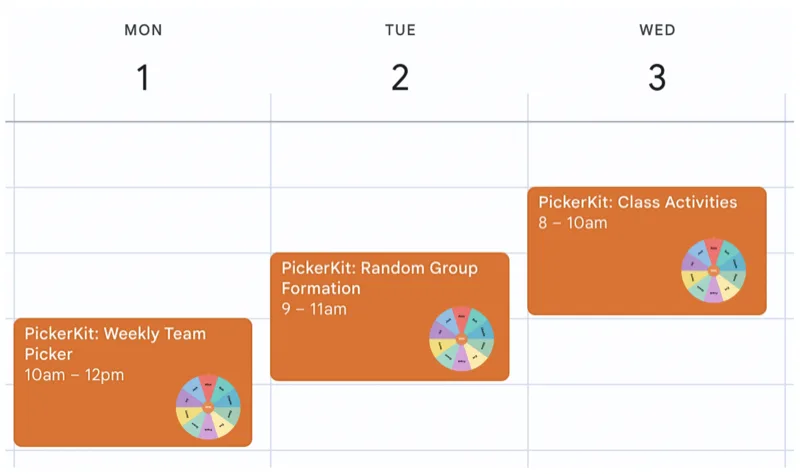
For example, a teacher's Monday morning might include:
- 8:30 AM: "Configure Week's Random Selection" (link to name picker with current roster)
- 9:00 AM: "Period 1 Class Begins" (link to presentation volunteer selector)
- 10:15 AM: "Period 2 Class Begins" (link to group formation tool)
Each event includes the relevant PickerKit configuration, making execution seamless.
Document Selection Results for Accountability and Analysis
Random selection isn't just about making choices—it's about making choices that you can explain, justify, and analyze later. Implementing a simple documentation system for PickerKit results enhances accountability and provides valuable data over time.
Simple Documentation Approaches
Screenshot Library: Create a folder (local or cloud-based) called "Random Selections" or similar. After each significant selection, take a screenshot showing the configuration and result.
Selection Log Spreadsheet: Maintain a simple spreadsheet with columns: Date, Context, Tool Used, Configuration, Result, Notes.
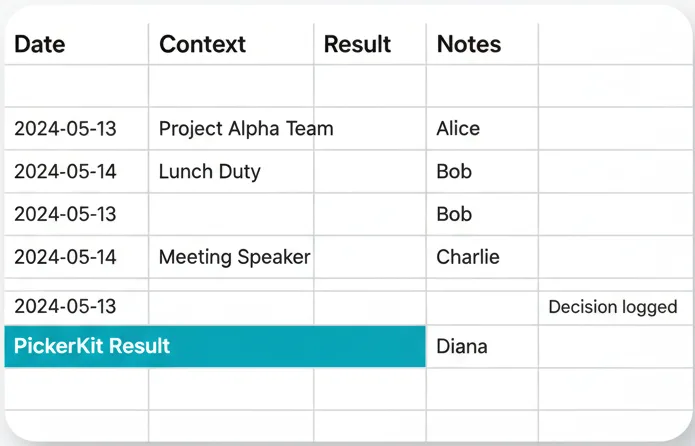
Documentation serves multiple purposes:
- Accountability: When questioned about fairness, you have evidence of using random selection and can show the historical pattern demonstrates equity.
- Pattern Analysis: Over time, documentation reveals whether your "random" selections are truly distributing opportunities evenly or if you need to make adjustments.
- Process Improvement: Reviewing selection logs helps identify when random selection works well and when other approaches might be more appropriate.
Layer PickerKit Tools for Complex Organizational Needs
PickerKit's individual tools are simple by design, but combining them enables sophisticated organizational solutions. Learning to layer tools expands your capability without sacrificing the simplicity that makes PickerKit accessible.
Layering Strategies
Team Formation Plus Role Assignment: Use the Team Picker to create evenly sized random groups, then use the Name Picker within each team to assign specific roles (leader, notetaker, presenter, timekeeper).
Hierarchical Selection: For large groups, use the Number Picker to randomly select sub-groups, then use the Name Picker within each sub-group for individual selections.
Example: Complex Workshop Organization
Imagine organizing a 50-person workshop requiring:
- 5 main breakout groups
- Sub-groups of 2-3 within each main group
- One presenter per main group
- One notetaker per sub-group
Layered PickerKit approach:
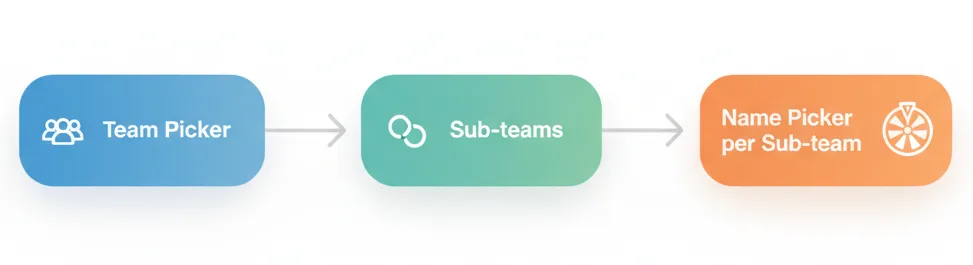
- Team Picker: Divide 50 people into 5 main groups (10 per group)
- For each main group, Team Picker again: Divide 10 into 3-4 sub-groups
- Name Picker on each main group: Select presenter
- Name Picker on each sub-group: Select notetaker
Total time: 5-10 minutes. Manual organization time: 30-45 minutes plus potential errors and complaints about fairness.
Establish Selection Rituals and Norms
The most effective workflow integration happens when tools become habitual rather than intentional. By establishing rituals and norms around PickerKit use, you make random selection automatic, reaping benefits without ongoing decision-making overhead.

Creating Effective Rituals
Consistent Timing: Make random selections at predictable times. "Every Monday morning, we select this week's facilitator." "Every class begins with randomly selecting today's helper."
Standardized Processes: Develop and document your random selection procedures. "For group projects, we use Team Picker with X settings and random captain selection enabled."
Example Organizational Norm
A development team might establish this norm:
"Weekly sprint tasks that are routine maintenance (not specialized work) are assigned via PickerKit Name Picker. The team lead adds all eligible developers to the wheel, removes anyone on PTO or handling urgent issues, then spins for each task. Assignments are final unless the selected person identifies a genuine blocking concern."
This clear norm makes random selection standard practice, not an occasional experiment.
Integration Best Practices
Regardless of which specific tips you implement, some general principles enhance PickerKit integration:
Start Small
Don't try to randomize everything at once. Choose one or two high-value use cases, integrate those thoroughly, then expand.
Maintain Simplicity
PickerKit's value is simplicity. Don't create complicated workflows that negate this advantage.
Stay Consistent
Inconsistent use undermines trust. If you sometimes use random selection and sometimes don't for the same decision type, people question whether you're selecting randomly when it suits you.
Evaluate and Iterate
Periodically assess whether your PickerKit integrations are working. Are they saving time? Improving fairness? If not, adjust your approach.
Measuring Integration Success
How do you know if your PickerKit integration is working? Consider these indicators:
- Frequency of Use: Are you actually using PickerKit regularly, or did initial enthusiasm fade?
- Time Savings: Track time spent on random selection before and after integration.
- Fairness Improvements: Are participants expressing greater satisfaction with selection fairness?
- Reduced Decision Fatigue: Do you feel less mentally drained by routine decisions?
- Adoption by Others: Have colleagues, team members, or students started using PickerKit after seeing your implementation?
Conclusion
PickerKit's power lies in making fairness effortless, but realizing that power requires intentional integration into your existing workflows. By bookmarking configurations, automating with calendars, documenting results, layering tools creatively, and establishing consistent rituals, you transform PickerKit from an occasionally used utility into a core part of how you organize, decide, and distribute opportunities fairly.
The best integration is the one you actually use. Start with the tips that resonate most with your specific needs, implement them thoroughly, and expand from there. Random selection shouldn't be complicated—and with proper workflow integration, it won't be. For more insights into the principles behind PickerKit, explore why PickerKit matters for privacy, fairness, and simplicity.
Ready to Streamline Your Workflow?
Try PickerKit now and experience the power of effortless fairness.
Try Now →