Use Name Picker when the options are people or labels, Number Picker when the options are numeric ranges, Yes/No Picker for a strict binary call, and Team Picker when you need evenly sized random groups. Most confusion disappears once you match the tool to the shape of the decision.
The easiest way to choose the right tool
Ask one question: what shape does the decision have?
| Decision shape | Use this tool | Typical use case |
|---|---|---|
| A list of people or labels | Name Picker | Students, giveaway entries, task assignment |
| A numeric range | Number Picker | Ticket numbers, random sampling, games |
| Only two outcomes | Yes/No Picker | Quick binary decisions or tiebreaks |
| Evenly sized random groups | Team Picker | Classrooms, workshops, sports, breakouts |
Name Picker
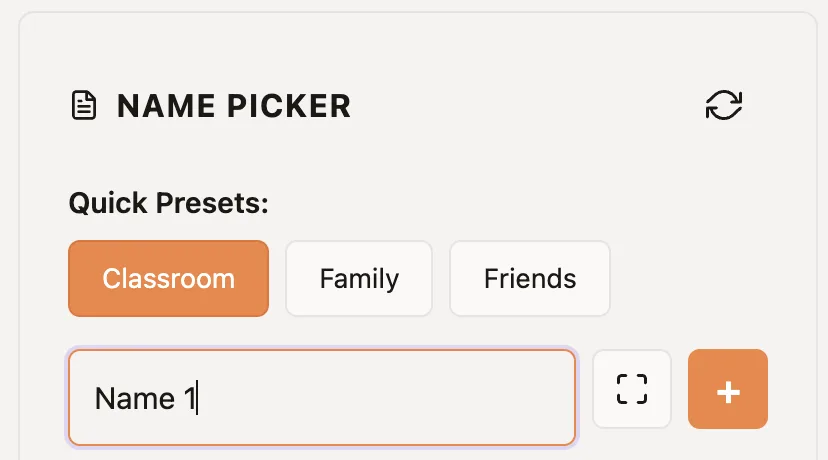
Name Picker is the default when your options are words rather than numbers. It is usually the best fit for teachers, creators, and managers because most real-world random decisions involve names, usernames, or short labels.
Number Picker
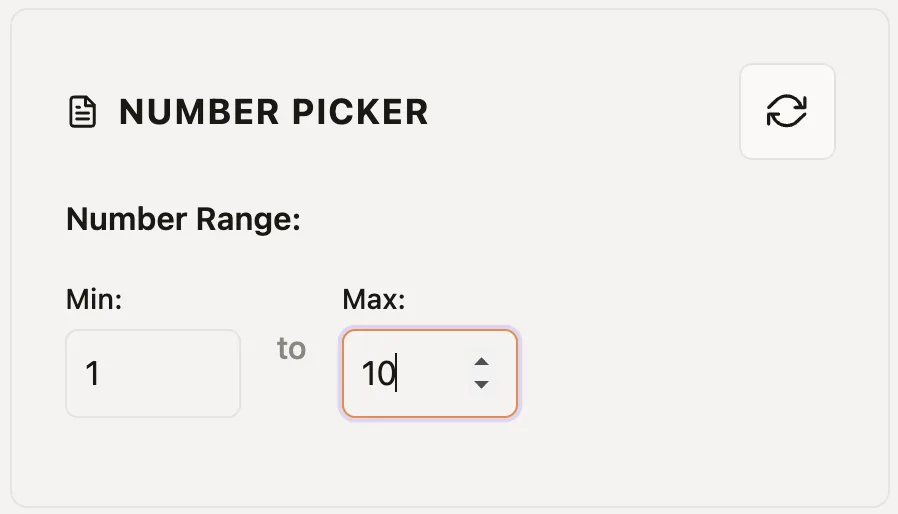
Number Picker is better when the source list is already numeric. Examples: raffle ticket numbers, study IDs, seating numbers, or any min-max range that should stay numeric from start to finish.
Yes/No Picker
Yes/No Picker is only right when the question is genuinely binary. It is fast and fun, but it is not a substitute for the other tools when you have more than two real options.
- Use it for quick tiebreaks.
- Do not use it for multi-option choices.
- If you need custom two-option labels, use Name Picker with two entries.
Team Picker
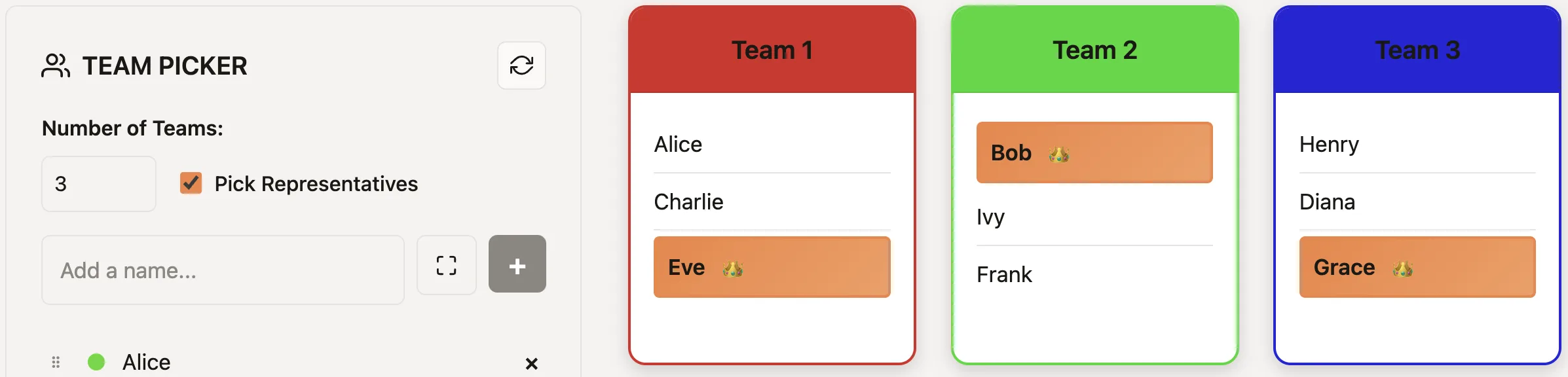
Team Picker shuffles participants and distributes them into groups whose sizes differ by at most one. It does not balance skill or other participant attributes.
Default decision rules
- If you are choosing one person from a list, start with Name Picker.
- If your options are numbers, use Number Picker.
- If the result must be yes or no, use Yes/No Picker.
- If the result must be several evenly sized random groups, use Team Picker.
Three common decisions
For a classroom presentation order, paste names into Name Picker and remove each selected speaker after the result. For a raffle that already assigns ticket numbers, set the valid range in Number Picker so the draw matches the published ticket system. For a meeting that must choose between two genuinely equivalent options, use Yes/No Picker; if the question has more nuance than that, list the real options in Name Picker instead.
For group work, do not simulate teams by spinning individual names repeatedly. Team Picker is faster because it assigns everyone in one run and keeps the groups close in size. If you need to keep a pair together or satisfy other constraints, make that small adjustment openly after the random result.
Check the input before you spin
The tool cannot correct a list that does not match the decision. Remove absent students before a classroom pick, confirm duplicate giveaway entries against the posted rules, and make sure the number range includes every valid ticket exactly once. If one person is intentionally entered more than once, say so before the draw: duplicate entries create more possible winning slots for that person. A clear input rule matters as much as the random selection itself.
From here, the most useful next reads are how randomness works and the role-based guide for teachers, creators, and teams.
Ready to make the selection?
Open the relevant picker, add the final list or range, and use the process described above.
Frequently Asked Questions
Which PickerKit tool should I use for students or entrants?
Use Name Picker because names, usernames, and labels are easiest to manage directly there.
Which tool is best for raffle ticket numbers?
Use Number Picker when your source of truth is a numeric range or ticket sequence.
Can I use Yes/No Picker for custom labels?
If you need custom two-option labels, use Name Picker with exactly two entries instead.
Which tool makes teams automatically?
Team Picker is the only one designed to balance group sizes in one step.